



As you begin to adopt cloud-based services, your network becomes more expansive and potentially more porous. Today, you most likely have a flexible hybrid workforce who are working remotely using a mix of personal and company-issued devices to access your network and its critical data. It may be the case that your data is now being shared and stored in platforms that may not be approved or known by your IT department. These examples demonstrate vulnerabilities within your network and we outline the cloud security essentials your business should have in place to reduce and mitigate cloud threats.
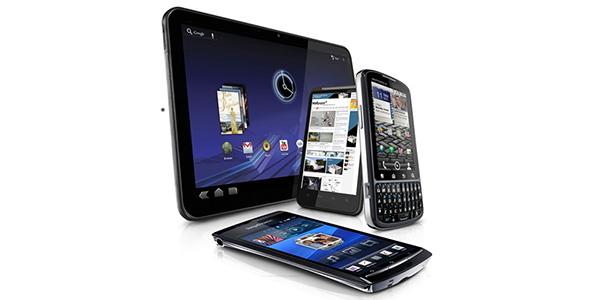
The time to think about Mobile Device Management (MDM) solutions and policies isn’t after employees start using various personal devices for work related activities. If employees are using unapproved smartphones, laptops, or tablets to do their jobs, they are essentially using unsecure devices to access your organization's critical data. Read more about how a Mobile Device Management solution can protect against compromised credentials and protect sensitive data while verifying who the user is.
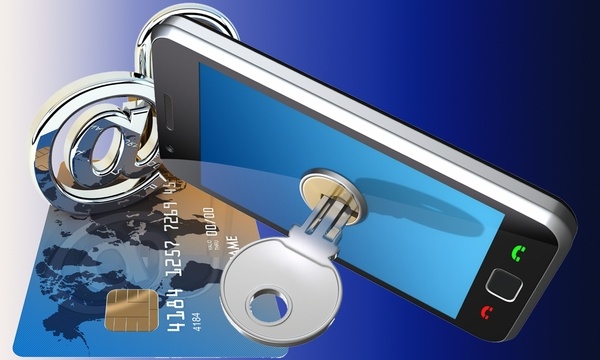
Current events have forced many businesses into quickly enabling staff to work from anywhere at any time. Desktops were replaced by laptops that could be taken home, staff using personal devices to access company data, and quick adoption of cloud and mobile apps. The ability to keep your business running took precedence over strategic planning, and now is the time to enable your remote workforce to be productive and secure. This mobile workforce evolution comes with many benefits, but if it’s not approached with careful thought and planning, it can also come with a unacceptable level of risk.
.jpg)
An ancient proverb says, "If you have a problem that can be fixed, then there is no use in worrying. If you have a problem that cannot be fixed, then there is no use in worrying." It's safe to assume that these ancient writers never faced executing an IT project. Risks associated with complex technology projects can keep business leaders up at night.

There comes a time in every business when the introduction of new technology is required. You know that the change is needed and will likely bring added productivity or cost saving with it. What you are trying to work out is WHEN this change could happen. You are aware that this could be a disruptive project for you and your staff and there never seems to be a good time. When thinking about implementing a new project, there are considerations every business leader needs to know.
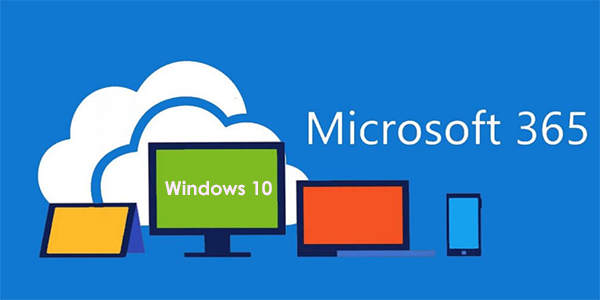
In this cloud-centric, accessible-anywhere world of computing, there are many questions around how your staff can access your data and apps to work more productively and securely from anywhere. Traditionally, in-house technologies were used to deploy workstations, manage endpoints, and enforce required security policies. However, what do you do when neither your users nor your data reside within the office?
Answer: Microsoft Modern Desktop
Is the speed of technological advancements outpacing your ability to protect your organization? Does the need for software updates, network patching, or industry advancements require more attention? There was a time when your 'man-in-a-van' IT contact was able to keep up the pace, but as your organization grows, so does your need for a dynamic IT strategy.